Beautiful Flutter screens, in your app in one command.
Production-ready app screens — fintech, crypto, commerce, chat and more. Install them straight into your Flutter project with the CLI. Pay once, own them for life, get every future screen free.
One-time $9 · no subscription · use in unlimited projects
The library
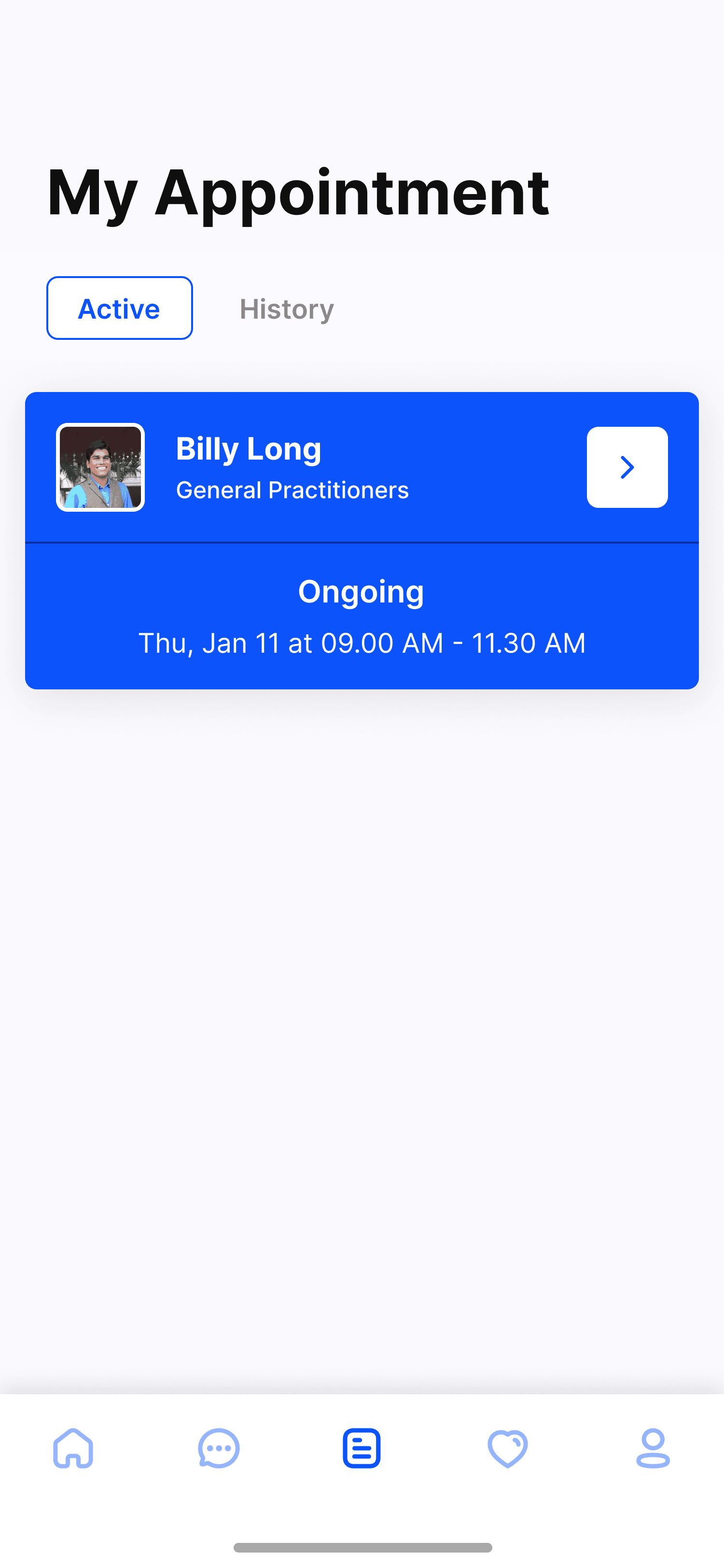
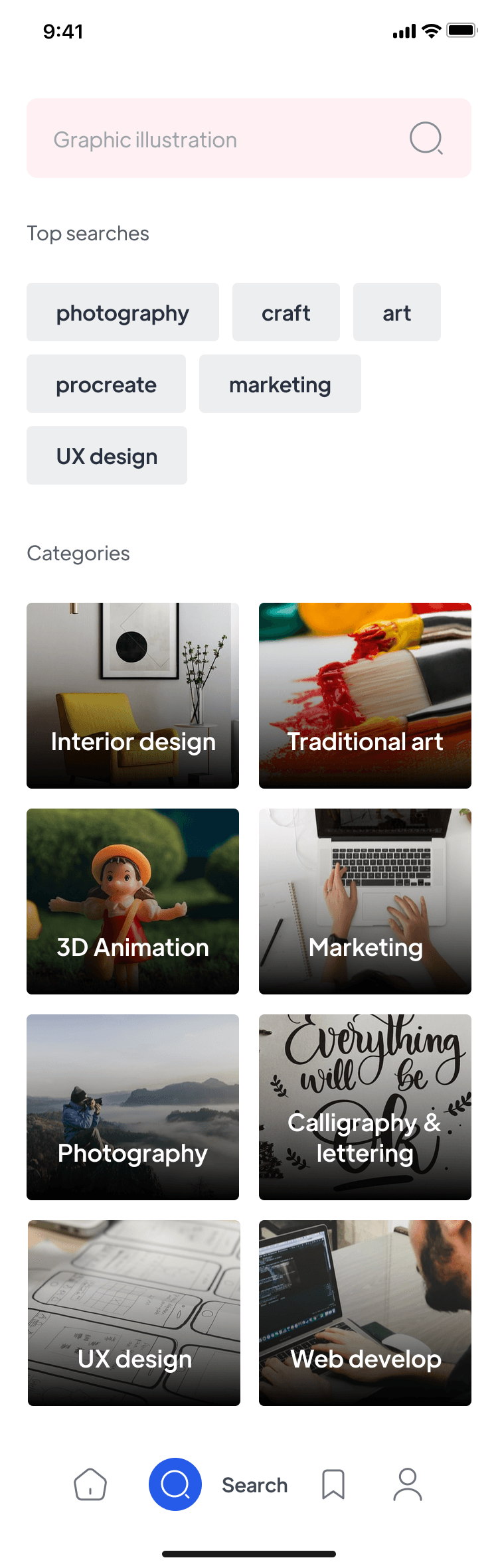
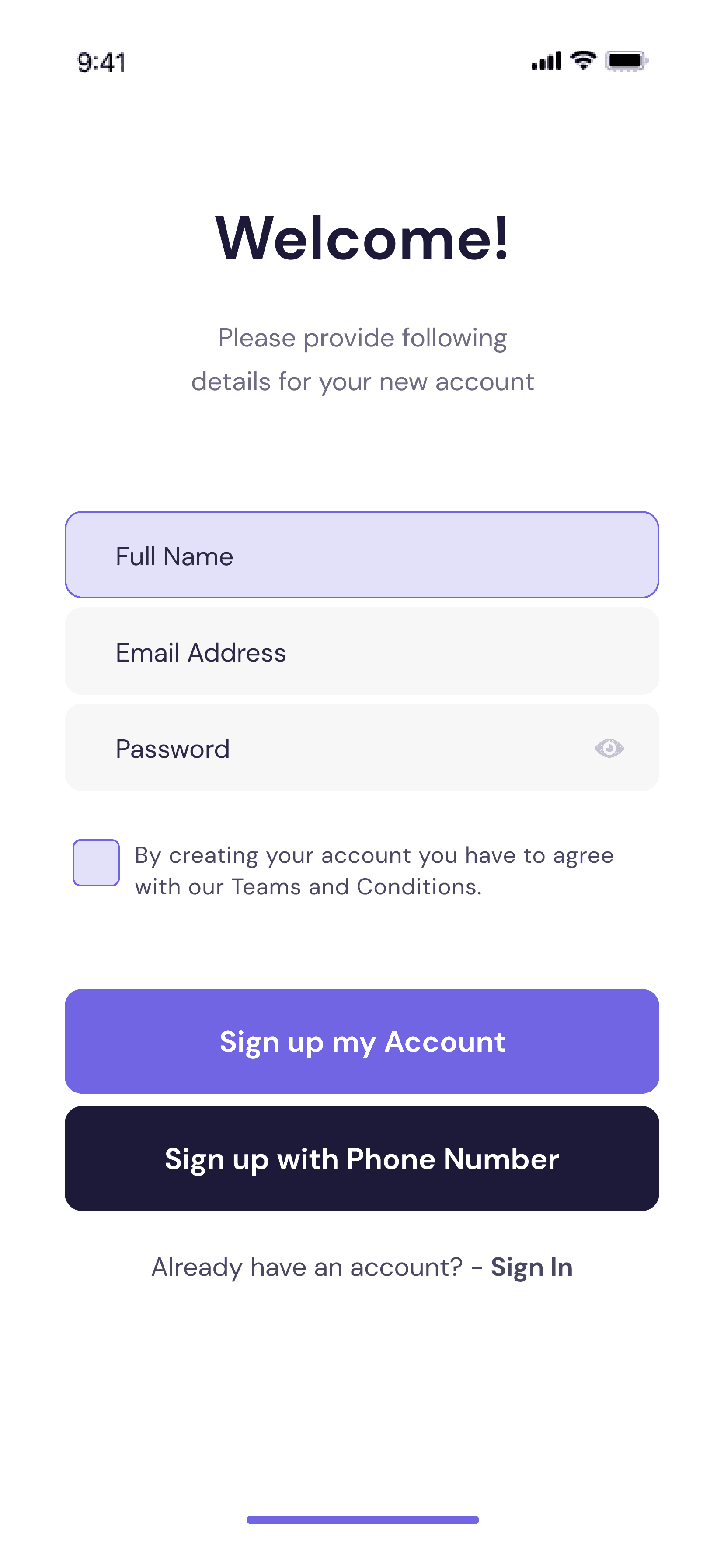
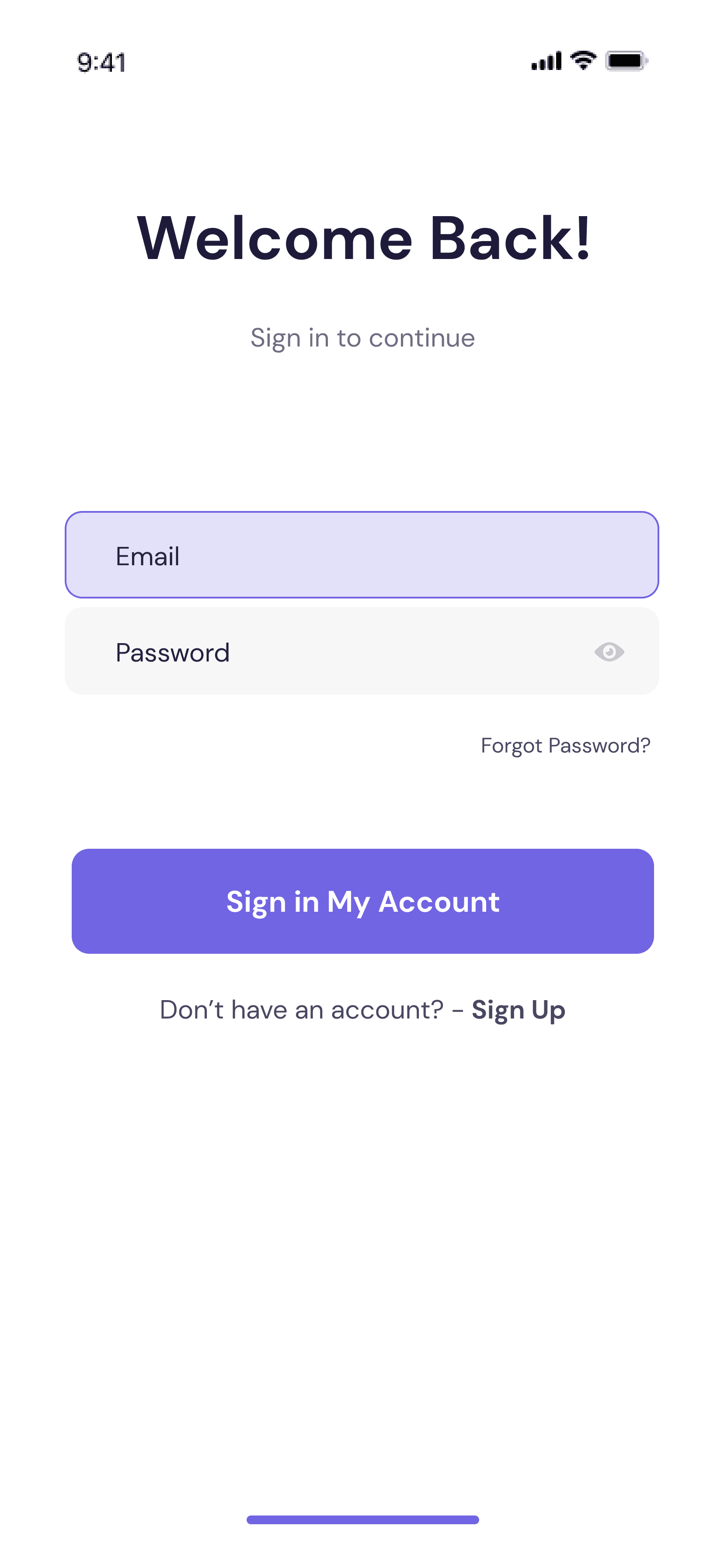
Screens you'd actually ship
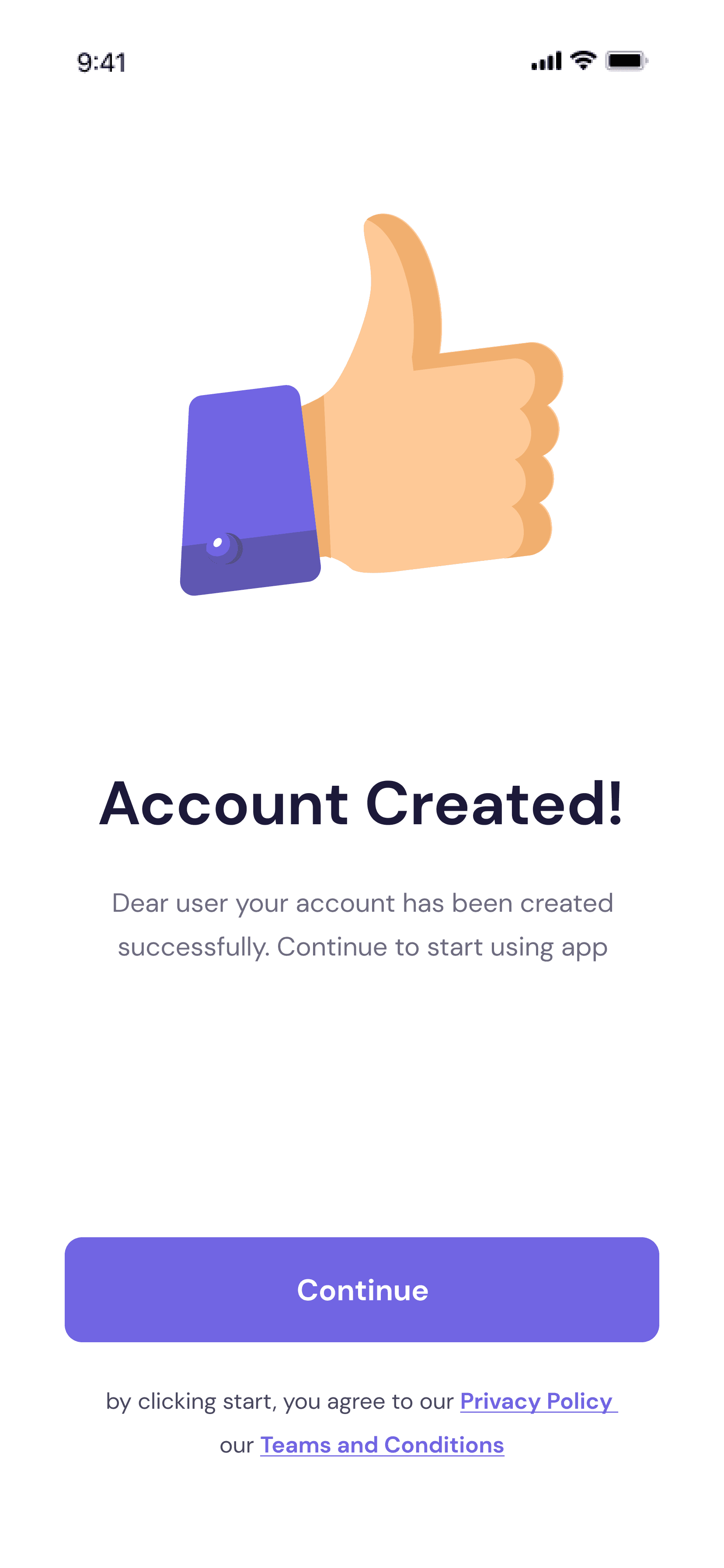
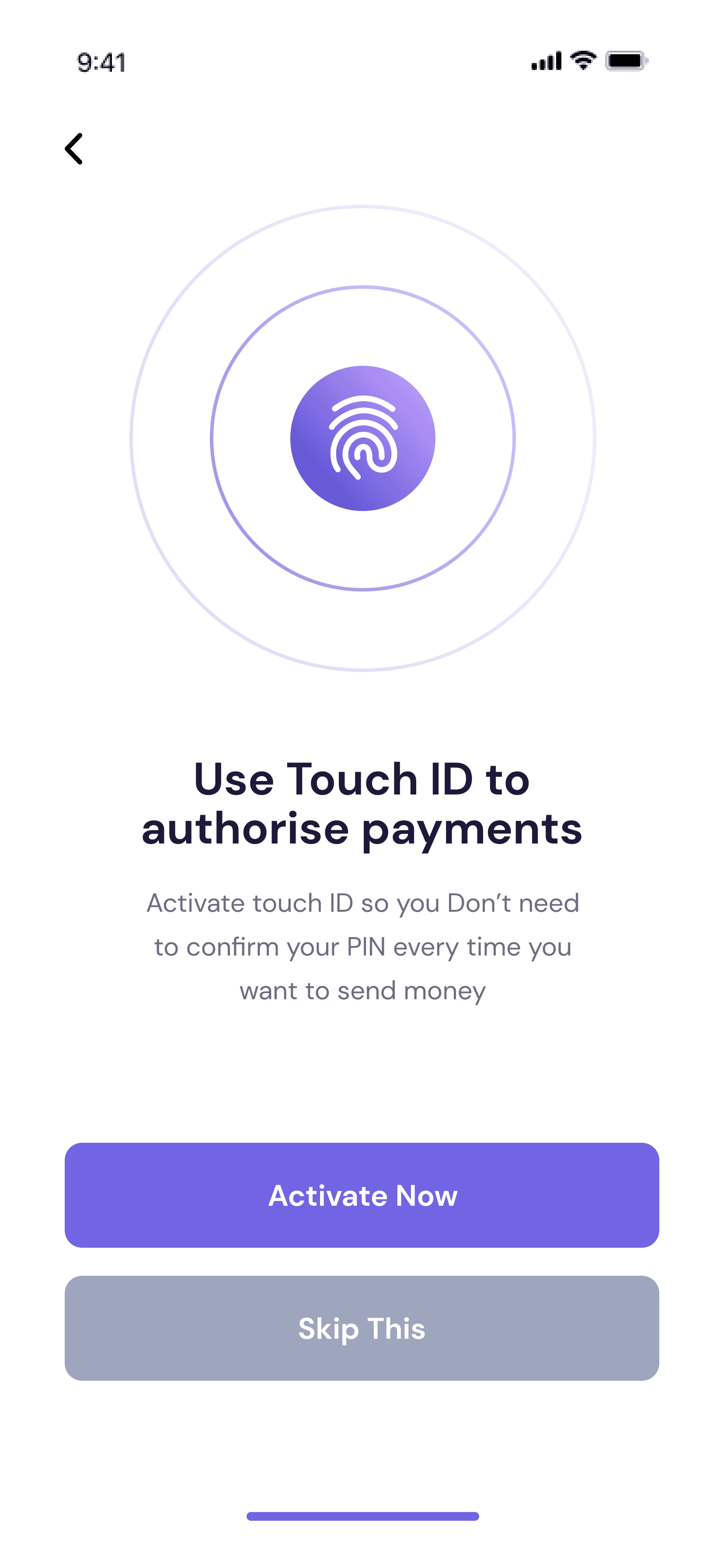
Browse and preview every screen, just like Mobbin — then drop the one you need into your project. New screens added regularly, all included.
How it works
From paid to pasted in 60 seconds
No zip files to hunt through. No copy-paste. Pay once, then pull any screen straight into your project.
Pay once, get your key
Checkout with Razorpay. Your dashboard instantly shows a personal license key — your lifetime pass.
Set it up once
Activate the CLI and save your key. Two commands, copied straight from your dashboard. You have Dart already.
Add any screen
Run one command inside your project — the Dart lands in your lib/, ready to run. Re-run anytime for the latest.
Yours forever
Pay once. Own every screen for life.
No subscription, no per-seat billing, no expiry. One payment unlocks the whole library — and every screen added in the future lands in your account automatically.
- All current screens, every category
- Every future screen, free forever
- Use in unlimited apps, including client work
Always current
The latest code is one command away.
When a screen gets improved or a new one ships, you get notified. Run the command again and you're on the newest version — no re-downloading, no manual merging.
- Email + in-app update notifications
- Real, production-ready Dart — no black box
- Edit freely once it’s in your project
Pricing
One price. Everything. Forever.
No tiers, no subscription. Pay once and the whole library is yours — today's screens and tomorrow's.
- Every screen across all categories
- Every future screen, added free
- One-command CLI install & updates
- Production-ready Dart, fully editable
- Unlimited projects, commercial use OK
FAQ
Good questions
What exactly do I get?+
Full Flutter source for every screen in the library — clean, production-ready Dart you drop into your own app and customize. Not a package you import and can’t touch; real code you own.
How does the install actually work?+
After paying, you get a license key. You activate the CLI once, save your key, then run flutterkit add <screen> inside any Flutter project. The screen's code lands in your lib/ folder, ready to run.
Do I need a GitHub account?+
No. You never touch GitHub. The CLI fetches the code for you once it confirms you’ve paid — all you need is your license key and Dart, which you already have.
Are future screens really free?+
Yes. It’s lifetime all-access. Every new screen added to the library is included at no extra cost — just run the command to pull it.
Can I use the screens in client or commercial apps?+
Yes — unlimited personal and commercial projects, including client work. The one thing not allowed is reselling the screens themselves as a kit.
What if it’s not for me?+
Reach out within a reasonable window and we’ll sort out a refund. The goal is for it to genuinely save you time, not to trap you.